🍽️
Cook Together
Pick the dishes you’re making and set when you want to eat. Cleaver builds one combined timeline that works backward from your serve time so everything finishes together. It starts each step’s timer and reminds you when to begin the next.
📥
Import, then cook
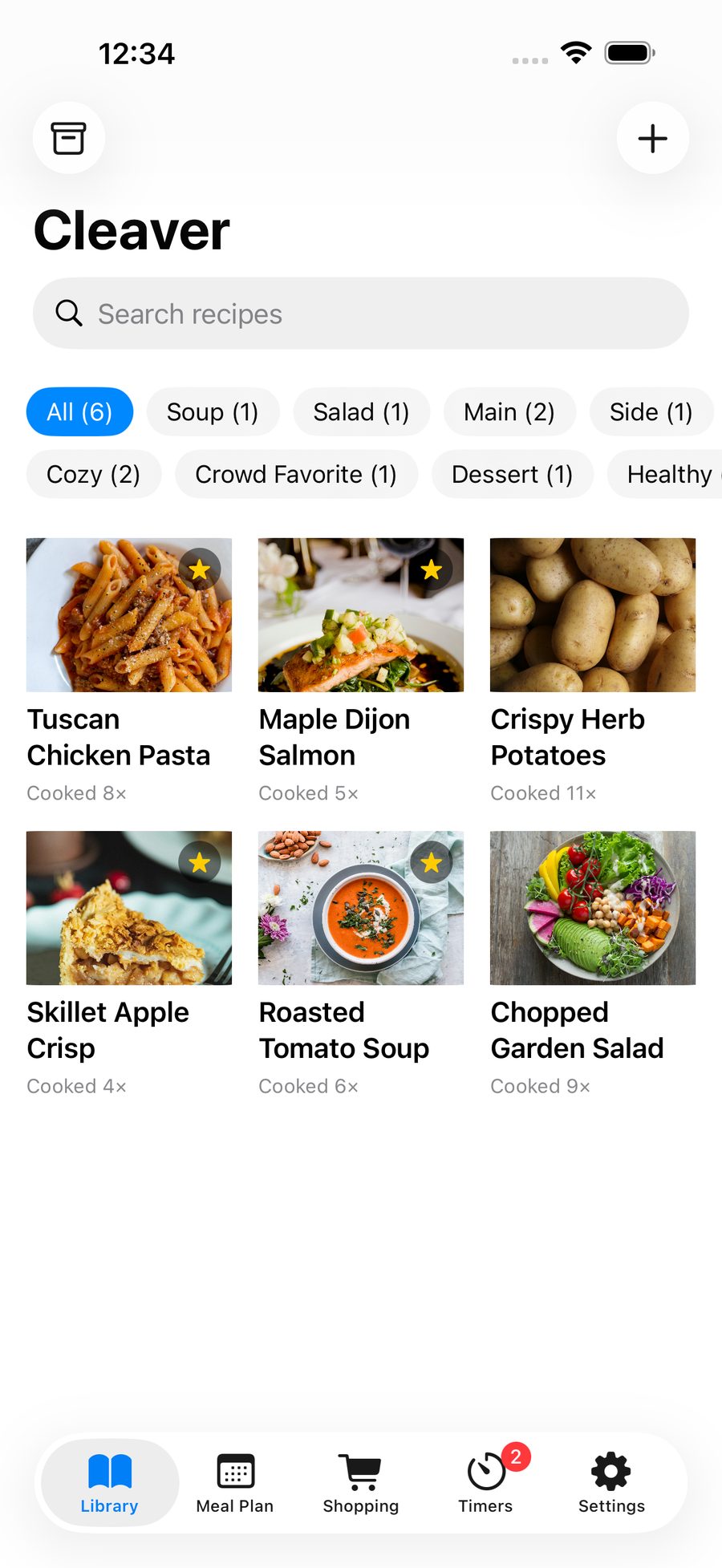
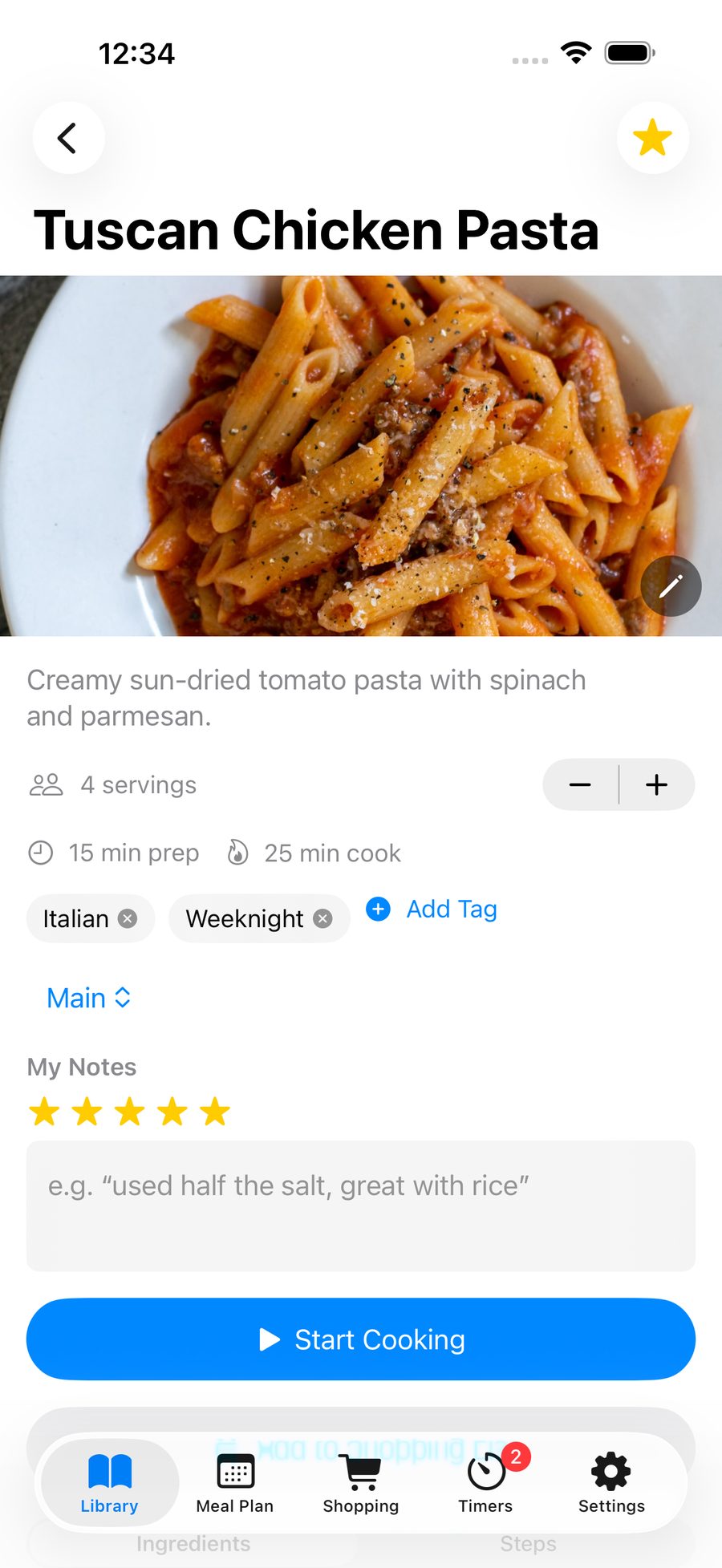
Bring recipes in from a link, a photo, the share sheet, or the in-app browser. Review, save, and start cooking.
🎙️
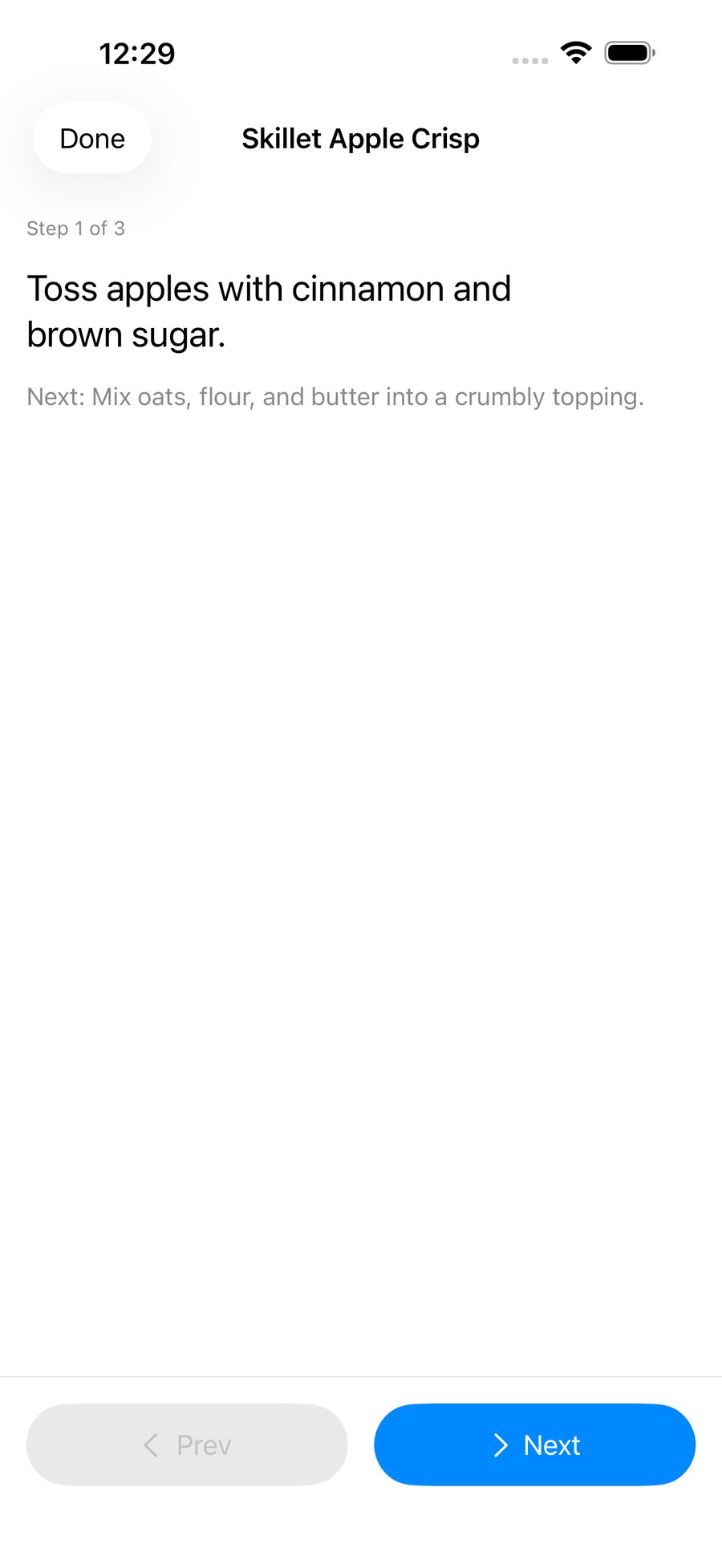
Hands-free Cooking Mode
Step-by-step voice control for the recipe you’re cooking, so your hands can stay on the food.
⏱️
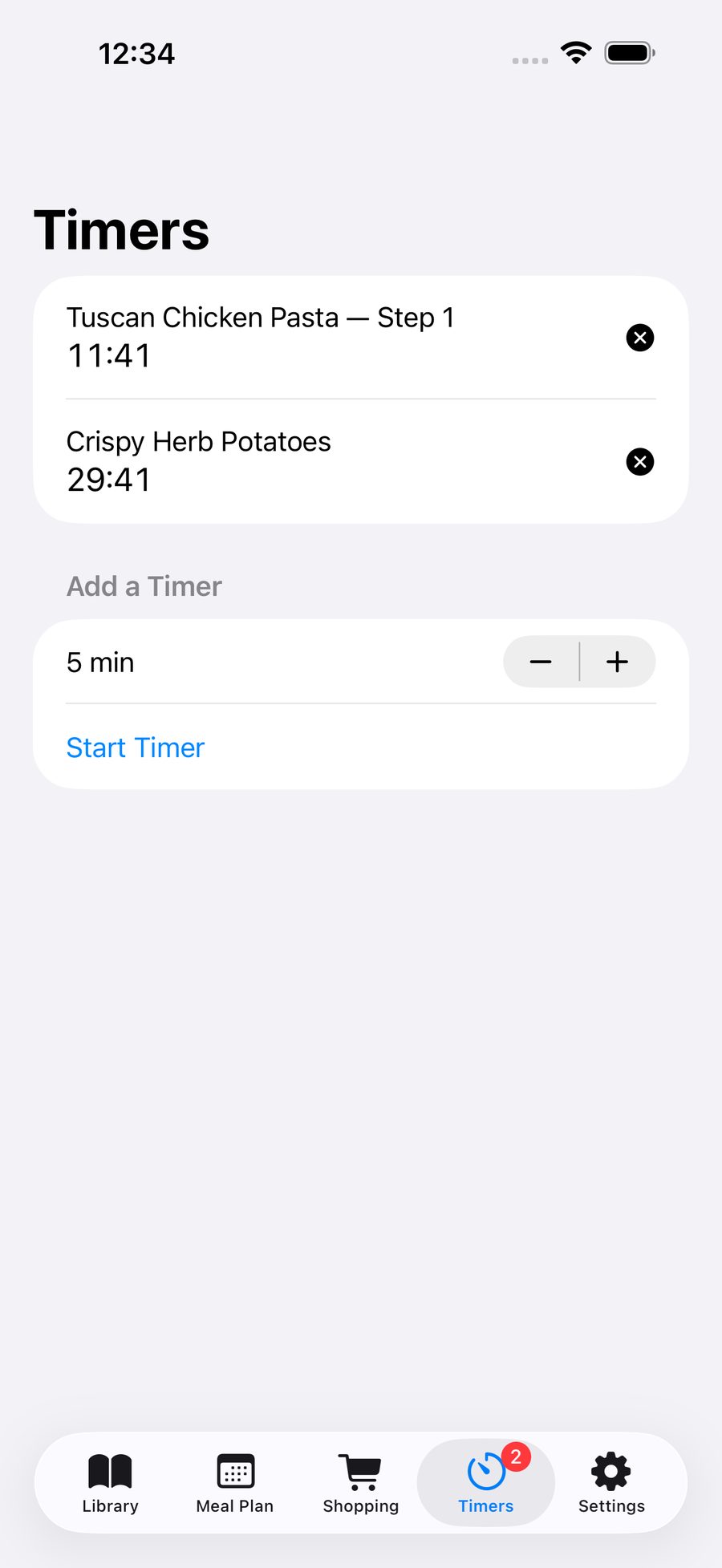
Several timers at once
Run more than one timer and keep an eye on them in the Dynamic Island or on your Lock Screen with Live Activities.
🗓️
Meal Plan
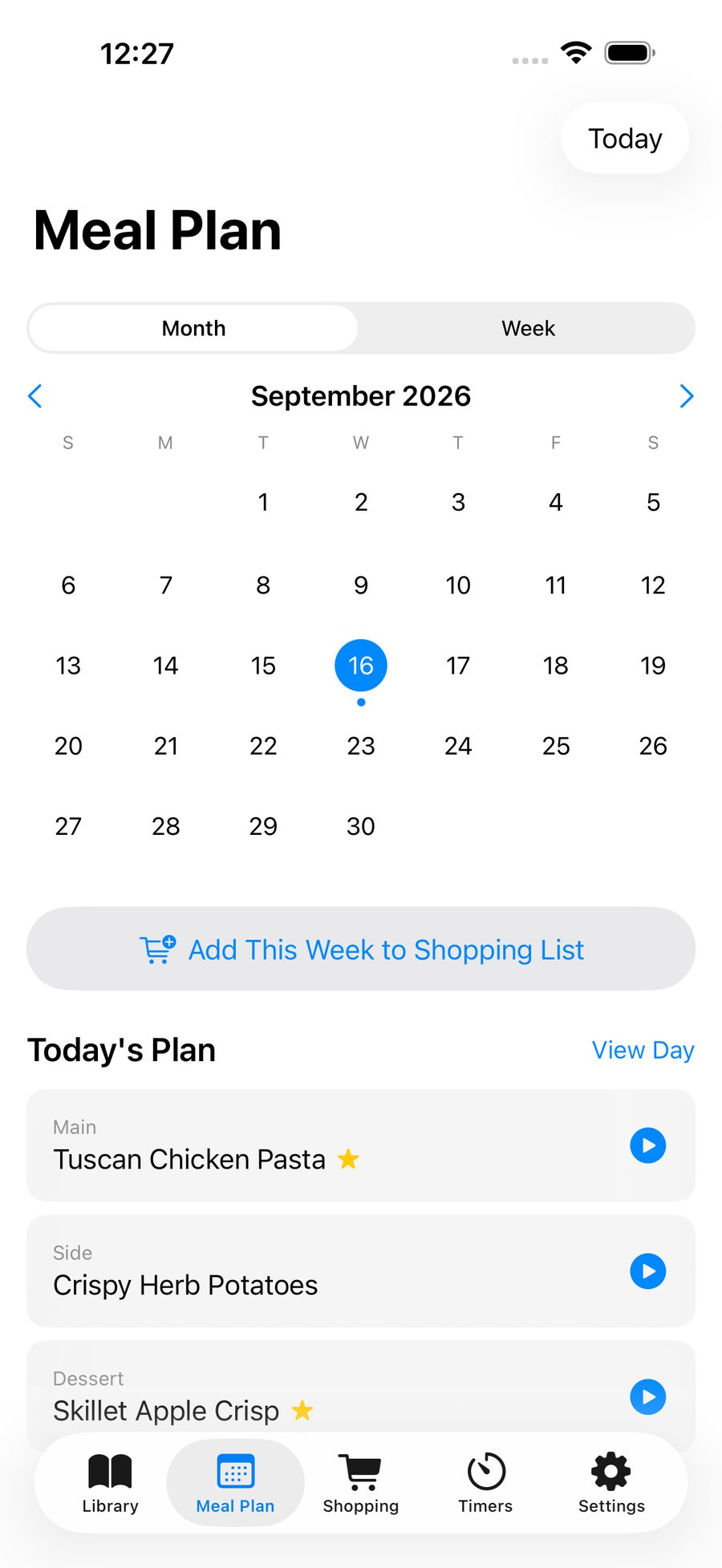
Plan the week or the month.
🛒
One shopping list
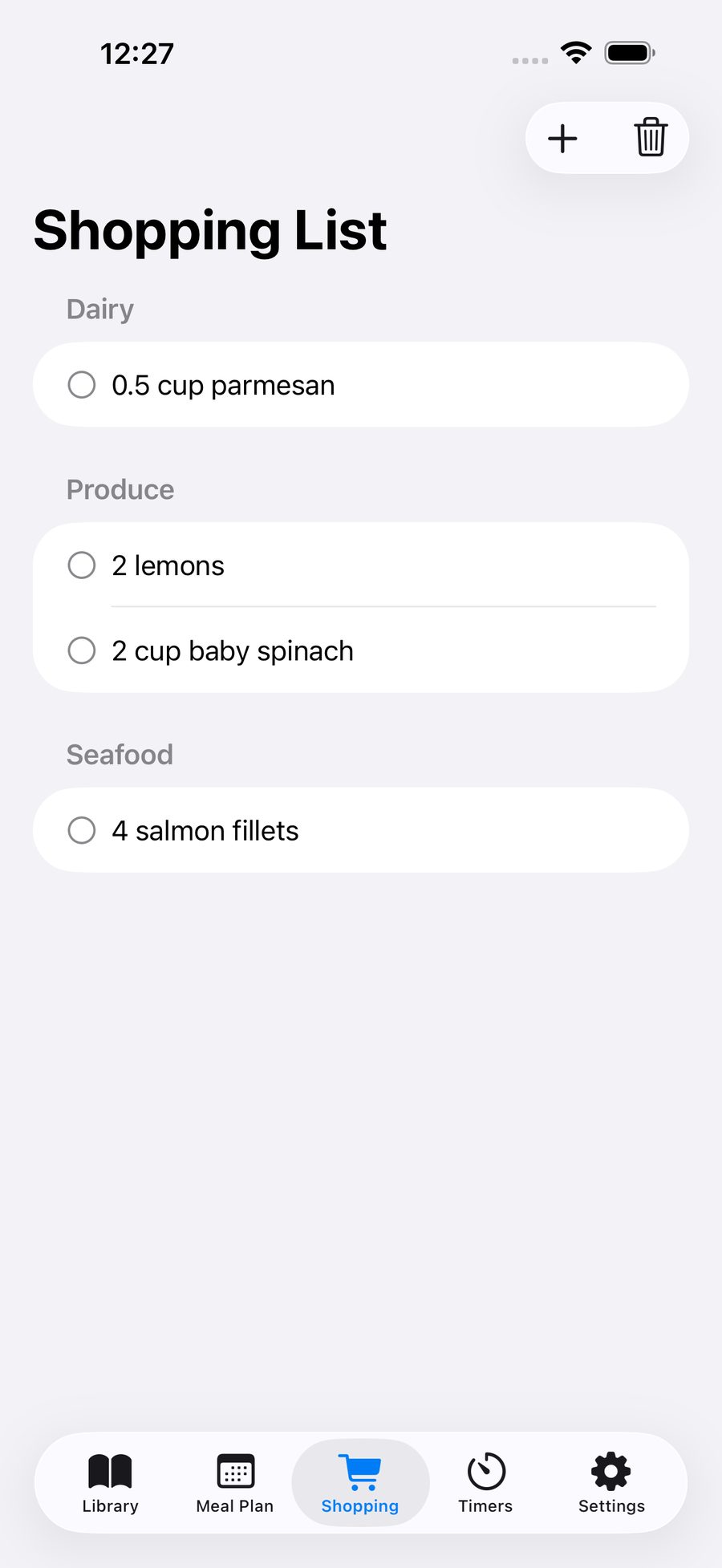
Ingredients from every recipe you’ve planned merge into a single list, grouped by aisle.
📱
Duo-aware layouts
Cooking Mode includes layouts that are aware of Duo.
🆓
Free to start
Core cooking works without an account, and Cook Together plans up to 2 dishes free.
✨
Cleaver Pro for bigger dinners
Cleaver Pro unlocks unlimited recipes and Cook Together for 3 or more dishes. Choose Monthly, Yearly, or Lifetime.